
指令激活产品
激活Windows和Office
- 环境介绍:
- 操作系统:Windows 10 专业版
- 软件:Office
- 本文记录Windows10激活过程,使用到的脚本:massgravel/Microsoft-Activation-Scripts,官方文档:Microsoft Activation Scripts Doc
使用PowerShell激活
- 打开 PowerShell:按
win+X选择PowerShell(管理员) - 输入指令:
1
irm https://get.activated.win | iex
- 选择激活选项:
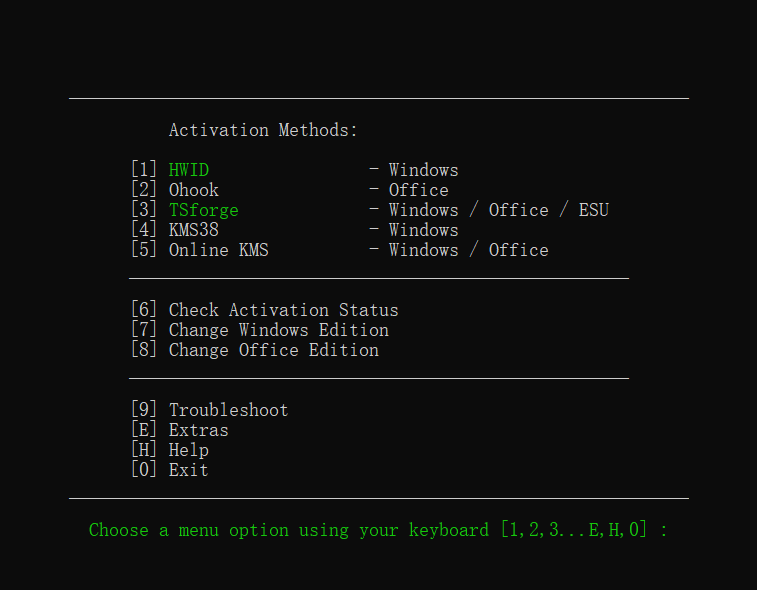
选项解析
| Activation Type | Supported Product | Activation Period | Is Internet Needed? |
|---|---|---|---|
| HWID | Windows 10-11 | Permanent | Yes |
| Ohook | Office | Permanent | No |
| TSforge | Windows / ESU / Office | Permanent | Yes, needed on build 19041 and later |
| KMS38 | Windows 10-11-Server | Till the Year 2038 | No |
| Online KMS | Windows / Office | 180 Days. Lifetime With Renewal Task | Yes |
激活Jetbrain
- 环境介绍:
- 操作系统:Linux,Windows
- 软件:Jetbrain系列产品
- 本文记录Pycharm激活过程,官方文档:CodeKey Run,Jetbrains
Windows激活
- 使用PowerShell激活:使用
Win + X选择Windows PowerShell(管理员)运行 - 运行指令:
1
irm ckey.run | iex
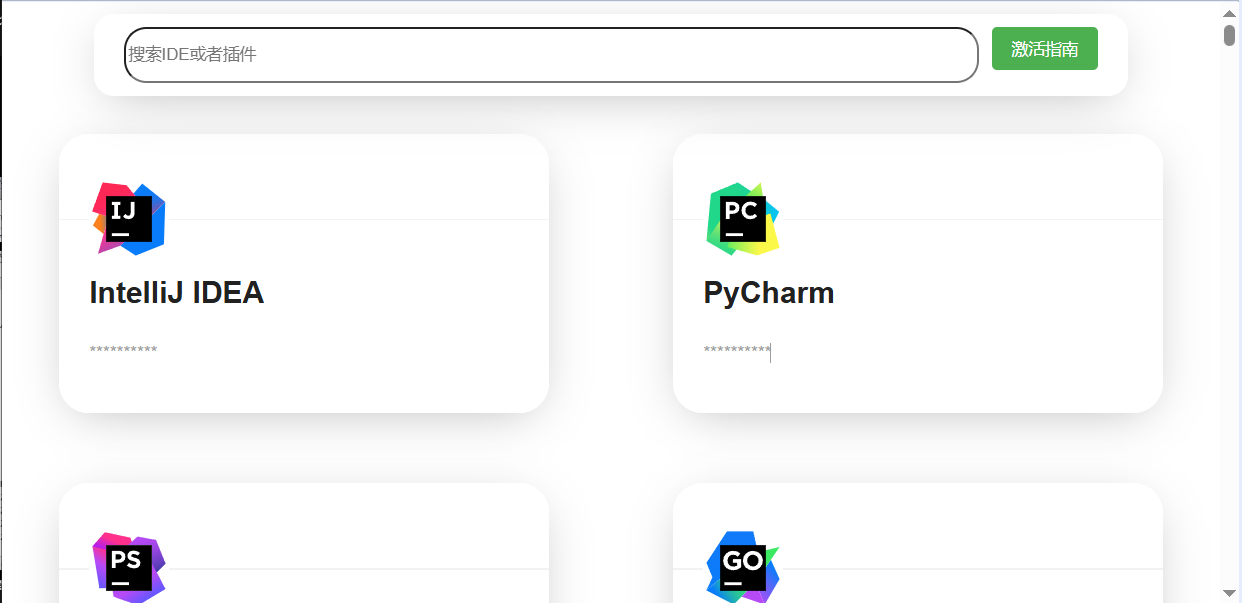
- 选择要激活的软件

- 复制官网上面的激活码到软件里面激活
 .
.
Linux 激活
- 打开终端输入指令:
如果有wget指令如果没有1
wget -q ckey.run -O ckey.run
wget指令可以使用curl指令1
curl -Ls ckey.run -o ckey.run
- 运行脚本:
1
bash ckey.run
- 按需激活软件
取消激活
- Windows取消激活:
1
irm ckey.run/uninstall|iex
- Linux取消激活或
1
2
wget -q ckey.run/uninstall -O ckey.run
bash ckey.run1
2curl -Ls ckey.run/uninstall -o ckey.run
bash ckey.run
本博客所有文章除特别声明外,均采用 CC BY-NC-SA 4.0 许可协议。转载请注明来源 LinHao's Pages!